Use one stock reference through the whole batch
A batch becomes difficult when the photo folder, price note and finished file use different identifiers. Start with the dealership’s existing stock reference. Put it in the photo folder, production brief, correction message and final file name. This prevents a clean-looking video from being matched to the wrong advert.
Separate readiness from the number of cars on the lot
| Stage | Ready when | Next owner |
|---|---|---|
| Photo intake | Coherent views of the same vehicle are available | Person preparing the brief |
| Vehicle facts | Price, currency, distance unit and contact are current | Dealer responsible for the advert |
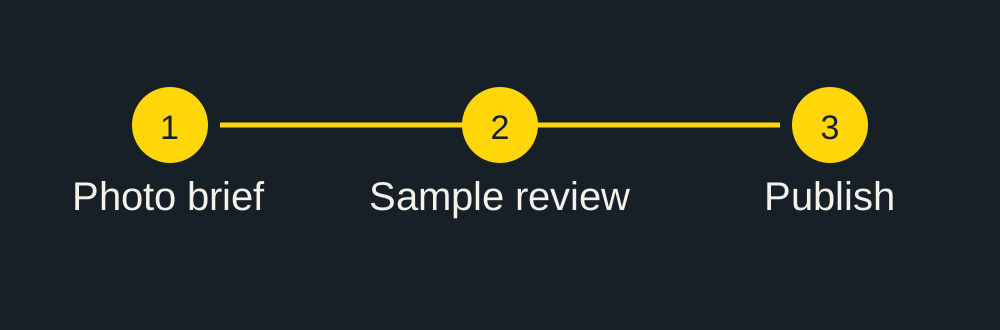
| Sample review | Video has been compared with the original material | Named reviewer |
| Publishing | Actual destination accepts the file and content | Person with the publishing account |
Cars still in preparation should not be counted as ready just because a package has been purchased. Record missing material and a responsible person. A useful checklist makes that missing step visible before someone expects a finished file.
Name the material so another person can understand it
For a fictional stock reference A104, use names such as A104-front, A104-side and A104-cabin. Keep a separate note for the exact text to display. The source advert, service price and vehicle asking price belong in separate fields. Do not use a caption note from a previous unit as the next car’s default.
Plan credits after the stock list is clear
The published packages are prepaid: 59 USD for one credit, 399 USD for ten and 899 USD for twenty-five. The package calculator compares the upfront purchase with unused credits. Twelve videos can be covered by a 10-pack and two singles for 517 USD. Record the planned release group separately from any credits that remain for later cars.
Review one car at a time
Compare each sample with its own photos and listing. Check the vehicle identity, price currency, distance unit and contact line, then test the actual destination. Send corrections with the stock reference and timestamp. A batch approval should not silently approve a vehicle whose source set was incomplete.
Download the blank stock worksheet
Download the stock-video brief worksheet (CSV). It contains headings and an empty row, with no customer or vehicle data. Add your own stock references locally. This download creates no account or order.
For a deadline, send the number of ready vehicles and the intended release dates before ordering. The usual single-sample target is not a blanket promise that a whole yard will be delivered in parallel.
Continue with this vehicle
Check the source-photo brief before sending material, then use the prepaid package calculator for the actual batch.
Video format and export specifications.