Answer the buyer’s question before sending the clip
A useful follow-up starts with the car and the question already in the conversation. Is the buyer asking about the interior, equipment, availability or a viewing? Answer that point in a short message, identify the stock unit, and send the video as supporting context. Keep the current listing available for the complete vehicle details.
Choose a file or a working link
| Route | Check | Why it matters |
|---|---|---|
| Send the downloaded MP4 | The file plays in the actual message after sending | Recipient experience can differ from the local player |
| Send a website link | The page opens without the dealer’s own login | An owner-only order link is not a buyer landing page |
| Send the current listing | Stock reference and availability match | The buyer can find the full vehicle information |
Do not send an authenticated order-area link as though every buyer can open it. Use a public page you control or the downloaded file where the messaging workflow supports it. Test the final message on a separate recipient view before making it a standard staff procedure.
A reply structure your team can reuse
Use four parts: the stock reference, the answer to the current question, the useful media, and one next action. For example: “For stock A104, the rear seats fold as shown in the current listing. Here is the short overview. Would you like a real close-up of the load area or a viewing time?” The stock reference is an example, not an actual offer.
Match the media to the claim
Use a generated presentation for an overview of the supplied photos. Use a real close-up or recording for a condition question, mileage display or detail not covered by the original set. Keep the original evidence with the conversation so staff and buyer are referring to the same vehicle.
Coordinate the next staff handoff
Record which vehicle and current advert the message concerned, what media was sent and the next agreed step. Keep that operational record distinct from views or forwarding counts. A sent video is not a qualified enquiry, and a quiet conversation does not identify why a buyer stopped responding.
Prepare the clip from material already on the listing
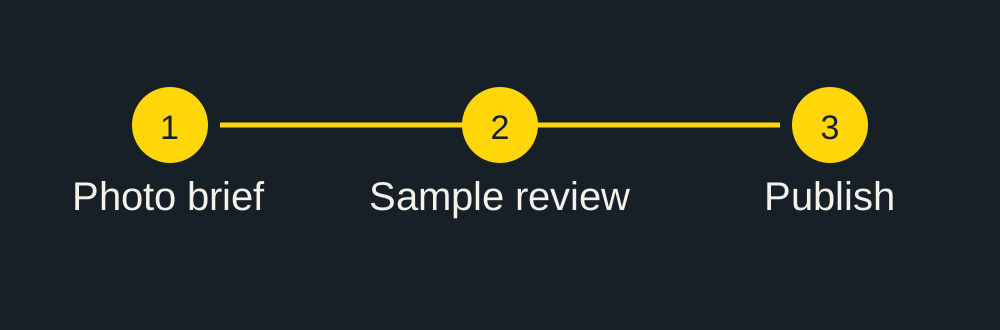
Choose five to ten clear photos of the same vehicle, specify the currency and distance unit, and include the caption/contact text. Decide which question the video should help explain before sending the brief. Use the sample review checklist before using it in a buyer conversation.
Continue with this vehicle
Check the source-photo brief before sending material, then use the prepaid package calculator for the actual batch.
Video format and export specifications.
Review the sample against your source.